iniBuilds Airbus A310-300
Updated 8 November 2026
The wide-body pioneer that became the Airbus blueprint, blending conventional flight controls with advanced fly-by-wire systems.
Standard day-to-day procedures for a realistic flight experience.
Cockpit Preparation
Safety Check
0/2Thrust Levers: IDLE (Pedestal. Verify thrust levers are at the idle detent before applying power.)
Fuel Levers: OFF (Pedestal. Ensure both engine fuel cutoff levers are in the off position to prevent premature fuel flow.)
Flap Lever: AGREE (Pedestal. The flap lever position must match the indicated flap setting before powering hydraulics to avoid uncommanded movement.)
ENG Mode: NORM (Pedestal. Ignition selector set to NORM. The A or B positions are only used during engine start.)
Wipers: OFF (Overhead Panel. Ensure windshield wipers are off to prevent scratching dry glass.)
Weather Radar: OFF (Pedestal. Switch to ON (1 or 2) to verify the test pattern on the ND, then return to OFF.)
Power-Up
0/4APU Fire Test: TEST (Overhead Panel. Hold the test button to verify the APU fire warning systems are operational.)
Engine Fire Tests: TEST (Overhead Panel. Perform a fire test for each engine to ensure warning lights and bells function correctly.)
APU Start
0/4Overhead Flow
0/5Galley: ON (Overhead Panel. Powers the galley systems for cabin service preparation.)
Overhead Panel: CHECK (Overhead Panel. Scan for any white indicator lights. In a normal dark cockpit configuration, none should remain illuminated.)
After APU Available
0/2Internal Lights: AS REQUIRED (Pedestal. Adjust cockpit and panel lighting knobs on the side panels and pedestal to suit ambient conditions.)
GND CTL: ON (Overhead Panel. Turn on the Flight Recorder ground control switch to ensure CVR and FDR record while on the ground.)
MCDU Preflight
0/5MCP
0/6EFIS Mode: SET (Glareshield. Adjust EFIS brightness and select the desired ND mode, such as ROSE NAV or ARC.)
Minimums: SET (Glareshield. Set the DH selector to -5, then OFF if no decision height is required for departure.)
Main Panel
0/4Clock: SET (Main Panel. Synchronize or verify the clock time for accurate flight logging.)
EGPWS: TEST (Overhead Panel. Push to test the ground proximity warning system and verify GPWS shows ON after a few seconds.)
Gear Warning Test: TEST (Main Panel. Push the gear warning test button and listen for the audible warning tone.)
Pedestal & Side
0/3Takeoff Warning Test: TEST (Pedestal. Advance Throttle 1 to verify the warning tone and Master Warning, then return to idle. Repeat with Throttle 2.)
Weather Radar: TEST (Pedestal. Switch to ON (1 or 2) to verify the test pattern on the ND, then return to OFF.)
Oxygen Mask: TEST (Side Console. Press the test button to verify oxygen flow and communication capabilities.)
Before Start
Pre-Start Flow
0/6Cockpit Door: LOCKED (Pedestal. Secure the cockpit door prior to departure.)
Windows: CLOSED (Side Console. Ensure both flight deck windows are fully closed and locked.)
Engine Start
Engine Start
0/7Clock: START (Main Panel. Start the elapsed timer to monitor the engine start sequence duration.)
Taxi
After Start Flow
0/8Anti-Ice: AS REQUIRED (Overhead Panel. Turn ON if TAT is below 10°C in visible moisture.)
ECAM Status: CHECK (Main Panel. Review the ECAM memo to ensure no residual warnings or abnormal system states exist.)
Taxi Flow
0/4Before Takeoff
Lineup
0/6FMA: CHECK (Main Panel. Look at the Flight Mode Annunciator above the PFD to ensure armed modes correspond to FCU selections.)
T.O Config: TEST (Pedestal. Press the T.O. Config button to verify no configuration warnings trigger.)
Final Checks
0/5Wing Lights: ON (Overhead Panel. Turn wing lights on to enhance aircraft visibility.)
Brake Fans: AS REQUIRED (Overhead Panel. Turn on if brake temperatures are high from a long taxi.)
Packs: AS REQUIRED (Overhead Panel. Turn OFF for maximum thrust takeoffs if required by company SOP, otherwise leave ON.)
Terrain on ND: AS REQUIRED (Main Panel. Activate the terrain display if departing in mountainous areas.)
Takeoff
Takeoff Roll
0/7After Takeoff / Climb
Initial Climb
0/7FMA: CHECK (Main Panel. At thrust reduction altitude, verify P.THR, P.CLB, and NAV are active. The FCU SPD/MACH and V/S windows should be dashed.)
TRP: CHECK (Main Panel. Ensure the Thrust Rating Panel automatically switched to AUTO or CL after the thrust reduction phase.)
Gear Lever: NEUTRAL (Main Panel. Move the gear lever to the middle neutral position once retraction is complete to depressurize the hydraulics.)
Brake Fans: OFF (Overhead Panel. Turn off brake fans once brakes have cooled.)
Climb Flow
0/2Seatbelt Sign: AS REQUIRED (Overhead Panel. Seatbelt sign off if smooth above 10,000 ft.)
Terrain on ND: OFF (Main Panel. Deactivate terrain display to declutter the navigation screen above 10,000 feet.)
Cruise
Cruise Monitoring
0/4TRP: CHECK (Main Panel. Verify the Thrust Rating Panel is in AUTO or CR (cruise) mode.)
Descent
Descent Prep
0/8Top of Descent
0/5ENG Mode: AS REQUIRED (Pedestal. Move to CONT RELIGHT if descending through icing, turbulence, or heavy precipitation.)
Anti-Ice: AS REQUIRED (Overhead Panel. Activate engine and wing anti-ice if TAT is below 10°C in visible moisture.)
Terrain on ND: AS REQUIRED (Main Panel. Activate the terrain display if descending into mountainous terrain.)
Approach
Approach Setup
0/42nd Autopilot: ARM (Glareshield. Engage the second autopilot to enable LAND 2 or LAND 3 dual-channel autoland capabilities.)
FMA: CHECK (Main Panel. Confirm GS and LOC are armed in blue, and switch to active green upon capture.)
Configuration
0/8Landing
Landing
0/5After Landing
After Landing Flow
0/5Wing Lights: OFF (Overhead Panel. Turn off wing lights if they are no longer needed.)
Brake Fans: AS REQUIRED (Overhead Panel. Turn on brake fans if heavy braking caused high brake temperatures.)
Systems Reset
0/4Anti-Ice: AS REQUIRED (Overhead Panel. Turn off wing anti-ice, keeping engine anti-ice on only if ground icing conditions persist.)
Terrain on ND: OFF (Main Panel. Turn off the terrain display to declutter screens.)
Shutdown & Secure
Shutdown
0/7Clock: STOP (Main Panel. Stop the elapsed timer to record final block time.)
Pressurization: CHECK (Overhead Panel. Verify the cabin differential pressure reads zero before opening doors.)
Systems Off
0/8Brake Fans: OFF (Overhead Panel. Turn off brake fans once temperatures are within normal ranges.)
Secure
0/6About this checklist
- Aircraft
- iniBuilds's Airbus A310-300 add-on for Microsoft Flight Simulator (MSFS).
- Covers
- 13 phases, from cockpit preparation to shutdown and secure.
- Modes
- 201 items in Full mode, 151 in Normal and 27 in Quick.
- Updated
- 8 November 2026
- Corrections
- If a step is wrong, missing or out of order, use Report Inaccuracy at the top of the page. Reports go straight to the maker, and fixes are listed in the changelog.
- Use
- For flight simulation only. Never use it for real-world flying.
Fly Next
Related Checklists
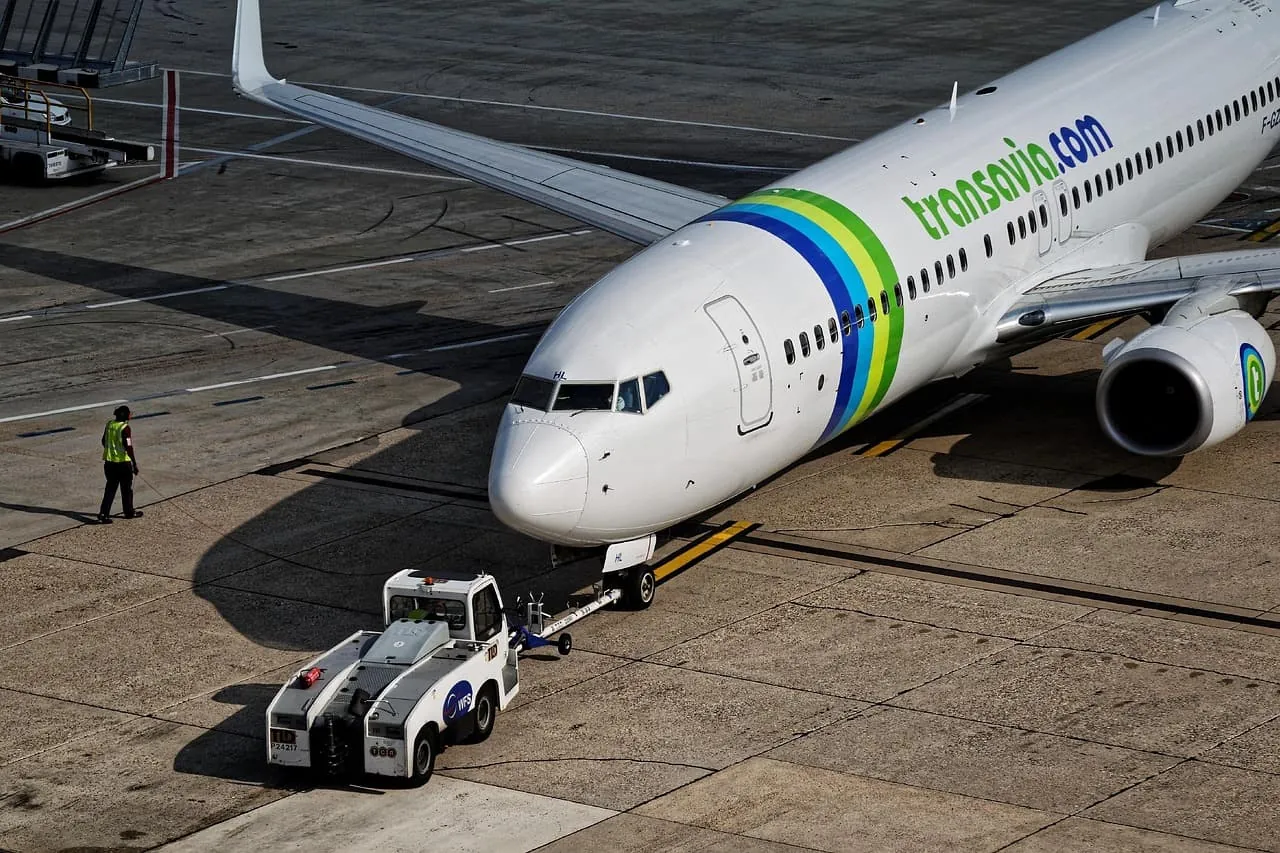
737NG
ALLThe undisputed icon of global aviation, a versatile narrow-body workhorse trusted by airlines worldwide. Procedures cover the 737NG family (-700, -800, -900).
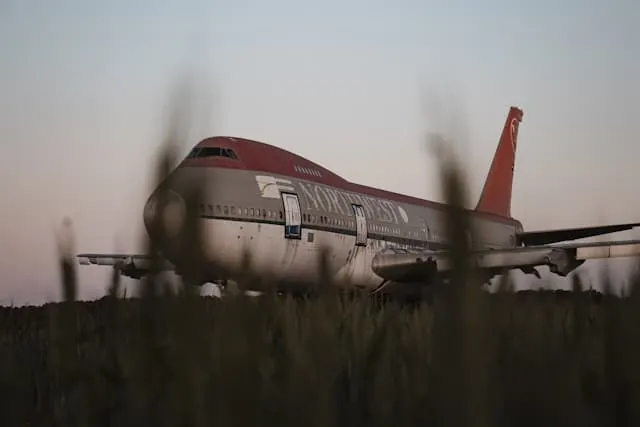
747-8i
The Queen of the Skies, instantly recognizable by its iconic upper-deck that defined aviation for generations.
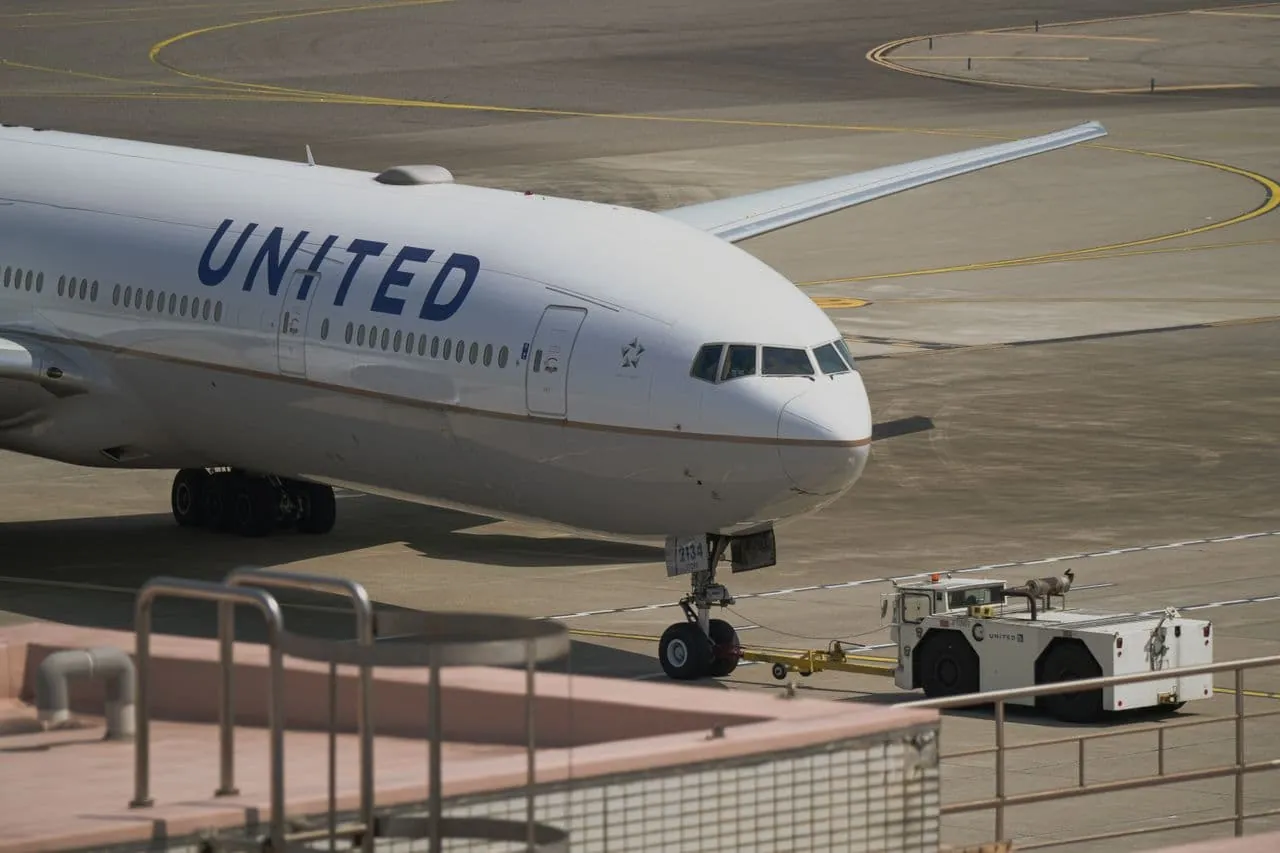
777
ALLA long-range wide-body titan driven by the most dominant turbofan engine in existence. Procedures cover the 777-200 and 777-300ER.