Black Square Cessna 208B Grand Caravan
Updated 8 November 2026
A legendary go-anywhere platform engineered to conquer unpaved strips and remote missions.
Standard day-to-day procedures for a realistic flight experience.
Preflight
Cockpit Setup
0/8Pedestal & Controls
0/3Weather Radar: OFF (Center Console. Prevents radar emissions from injuring ground personnel or draining the battery.)
Power-Up
0/5Pitot/Stall Heat: TEST (Left Panel. ON for 30 seconds, then OFF. Confirms the heating elements work to prevent icing in flight.)
Before Start
Pre-Start Flow
0/5Passenger Briefing: COMPLETE (Cabin.)
Seats & Harnesses: SECURE (Cabin. Confirm pilot and passengers secured.)
Circuit Breakers: IN (Left and Right Side Panels. Confirms all breakers are set for normal operations.)
Engine Levers
0/8Engine Start
Engine Start
0/8After Start
0/3Taxi
Before Taxi
0/4Cabin Heat/Vent: AS REQUIRED (Upper Right Panel. Adjusts environmental controls for crew and passenger comfort.)
Autopilot: PRESELECT (Center Console. Sets the initial heading and altitude bugs for the climb.)
Inertial Separator: AS REQUIRED (Lower Left Panel. Set to BYPASS on loose surfaces or icing conditions to prevent engine damage.)
Taxi Flow
0/4Before Takeoff
Systems Check
0/8Engine Runup
Power Lever: 400 FT-LB (Center Pedestal. Advance the power lever smoothly to approximately 400 ft-lb torque. Hold at this power for the Inertial Separator check.)
Inertial Separator: BYPASS → NORMAL (Lower Left Panel. Move to BYPASS and check for a slight torque drop indicating airflow is redirecting. Return to NORMAL. If no response, the system may not be functioning.)
Overspeed Governor: TEST (Center Pedestal. Advance power lever further until RPM stops increasing. Verify RPM stabilizes at 1750 ±60 RPM, then retard. The overspeed governor should prevent the propeller from exceeding this limit.)
Standby Power: TEST (Left Panel. Move generator switch to OFF — STBY ELEC PWR ON light should illuminate and bus volts should read approximately 1V below generator voltage. Restore generator to ON and verify STBY ELEC PWR ON light extinguishes.)
Pitch Trim: TEST (Center Pedestal. Check the manual electric pitch trim for correct direction and movement in both nose-up and nose-down directions.)
Lineup
0/6Ignition Switch: AS REQUIRED (Left Panel. Set to ON for wet runways, heavy precipitation, or icing to prevent flameouts.)
Inertial Separator: AS REQUIRED (Lower Left Panel. Set to BYPASS for icing conditions or FOD-prone runways.)
Ice Protection: AS REQUIRED (Left Panel. Activate pitot, stall, and prop heat if flying into visible moisture near freezing.)
Takeoff
Takeoff Roll
0/5After Takeoff / Climb
Initial Climb
0/2Landing Lights: AS REQUIRED (Left Panel. Generally left ON below 10,000 ft to aid in collision avoidance.)
Inertial Separator: AS REQUIRED (Lower Left Panel. Typically returned to NORMAL once clear of icing or dirty air to restore engine power.)
Ice Protection: AS REQUIRED (Left Panel. Manage de-icing boots and heat based on outside air temperature and visible moisture.)
Cruise Climb
0/4Cruise
Cruise Monitoring
Cruise Power: SET (Center Pedestal. Adjust torque and RPM for cruise. Do not exceed ITT, Ng, or TQ limits; optimum cruise is usually 10,000-20,000 ft.)
Inertial Separator: AS REQUIRED (Lower Left Panel. Set to BYPASS if entering clouds with temperatures near freezing.)
Ice Protection: AS REQUIRED (Left Panel. Monitor for ice buildup on the wing struts and activate boots as needed.)
Fuel Balance: CHECK (Instrument Panel. Continue monitoring to ensure a maximum 200 lbs difference between tanks.)
Descent
Descent Prep
0/4Inertial Separator: AS REQUIRED (Lower Left Panel. Set to BYPASS for icing conditions or when descending through precipitation.)
Ice Protection: AS REQUIRED (Left Panel. Keep heat on if flying through clouds or rain at low temperatures.)
Approach
Approach Setup
0/3Inertial Separator: AS REQUIRED (Lower Left Panel. Keep in BYPASS for icing conditions or if the runway is unpaved.)
Fuel Balance: CHECK (Instrument Panel. Ensures wing tanks are still within the maximum 200 lbs difference.)
Configuration
0/3Final Approach
0/4After Landing
After Landing Flow
0/7Weather Radar: OFF (Center Console. Prevents harmful radiation exposure to ground crews.)
Shutdown & Secure
Shutdown
0/9About this checklist
- Aircraft
- Black Square's Cessna 208B Grand Caravan add-on for Microsoft Flight Simulator (MSFS).
- Covers
- 12 phases, from preflight to shutdown and secure.
- Modes
- 131 items in Full mode, 103 in Normal and 27 in Quick.
- Updated
- 8 November 2026
- Corrections
- If a step is wrong, missing or out of order, use Report Inaccuracy at the top of the page. Reports go straight to the maker, and fixes are listed in the changelog.
- Use
- For flight simulation only. Never use it for real-world flying.
Fly Next
Related Checklists
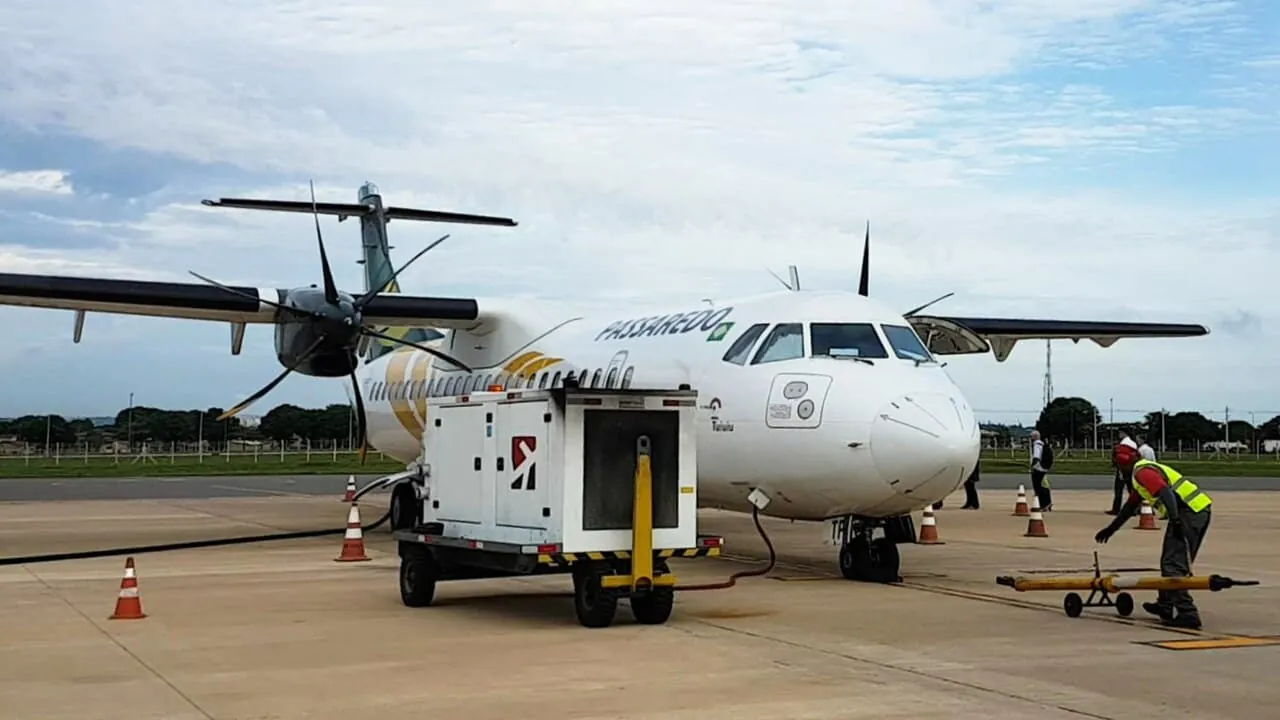
ATR 42/72-600
A rugged regional workhorse of a turboprop built for short-field performance, serving routes from island hops to mountain airstrips.
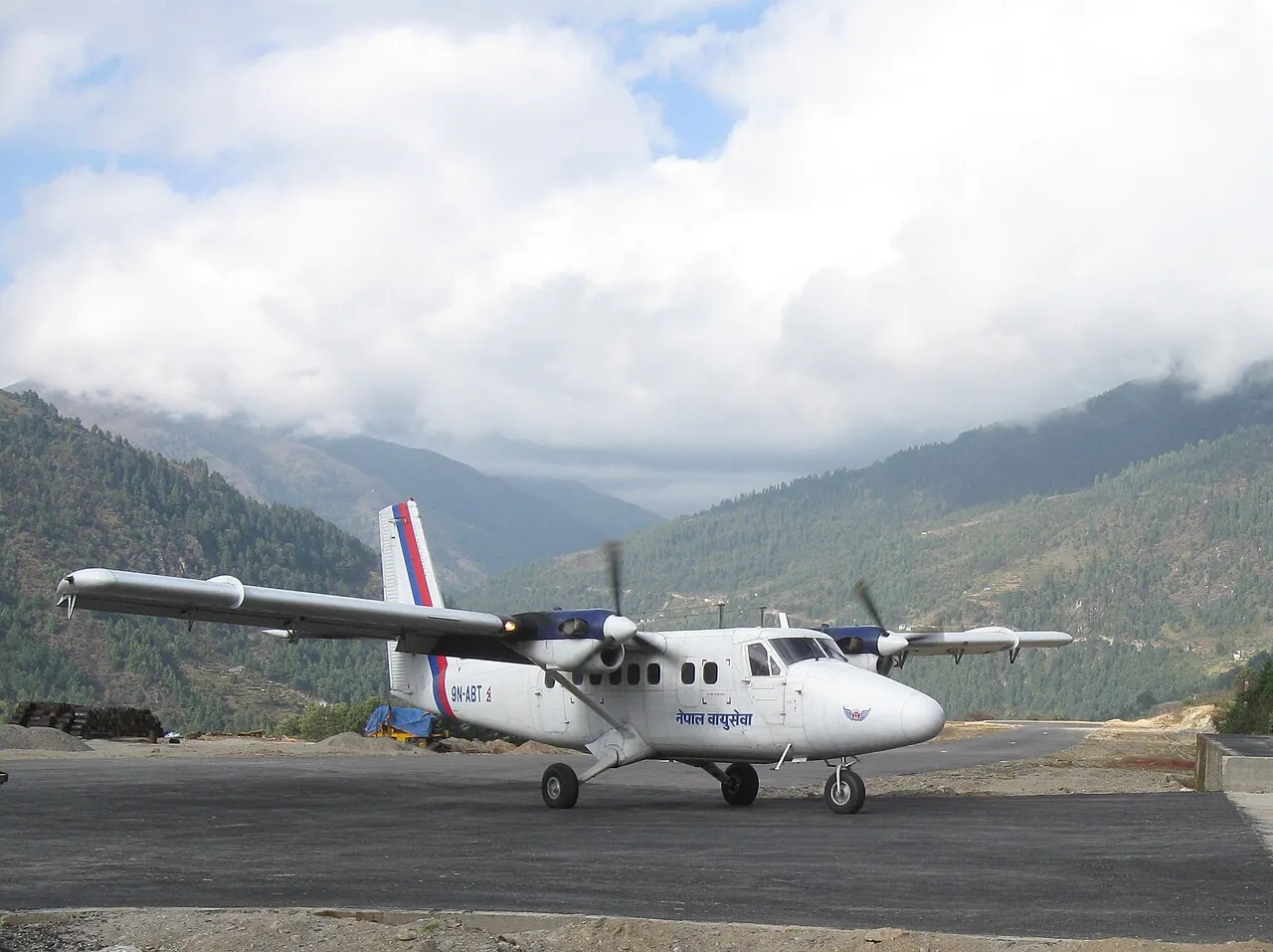
DHC-6-300 Twin Otter
Aerosoft DHC-6-300 Twin Otter on wheels. Twin turboprop with a 12,500 lb maximum takeoff weight, 25,000 ft ceiling and 600 to 700 NM range.
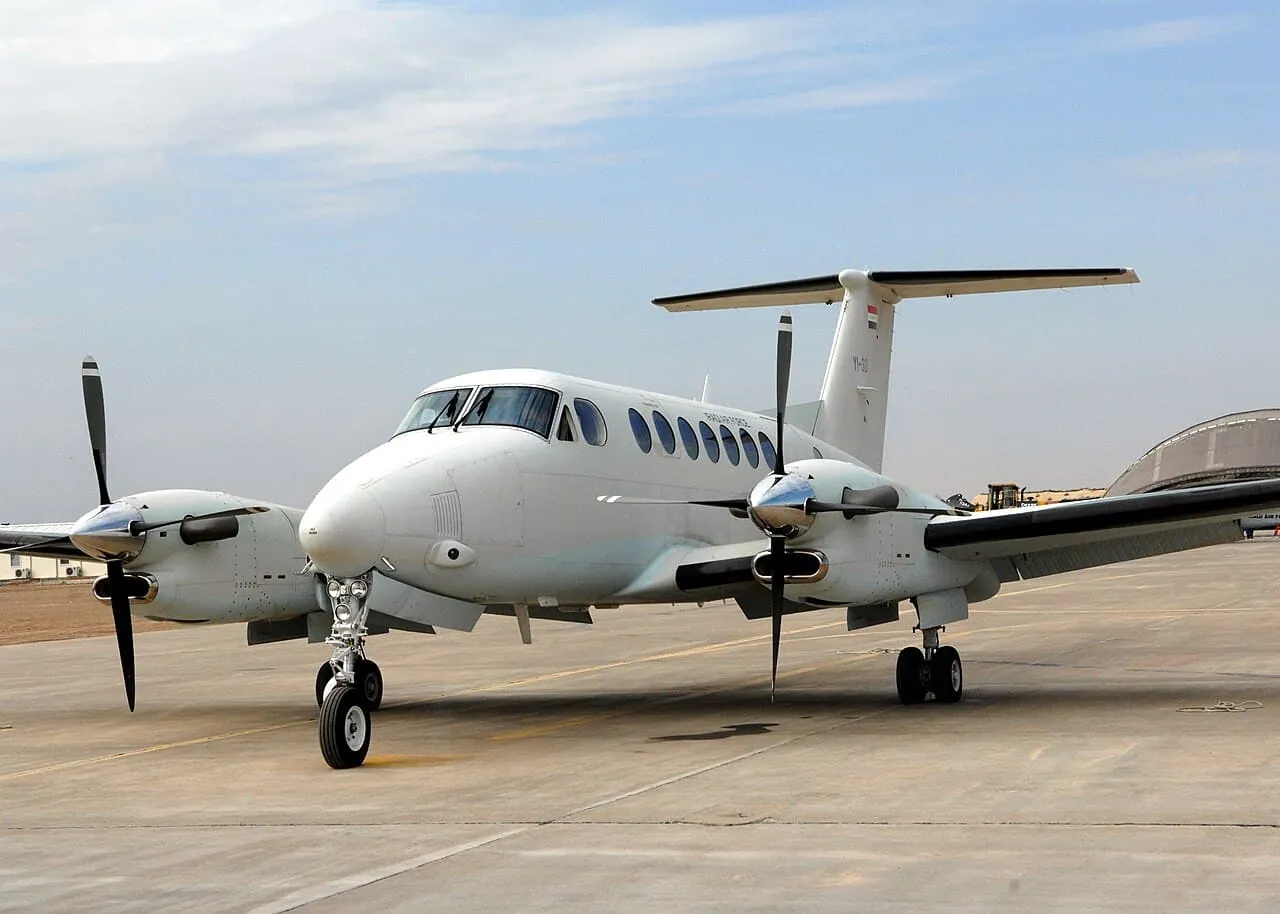
King Air 350i
A pressurized, highly versatile cabin-class aircraft that became the gold standard of corporate turboprops.